A frame-grabber-to-GPU pipeline should be described by its actual memory path. DMA into host memory, pinned host allocation and a transfer directly into GPU device memory are different operations. Before choosing hardware or changing software, identify where each image resides and which component owns it at every stage.

Draw the memory path before optimizing it
| Pipeline stage | Question to answer |
|---|---|
| Acquisition DMA | Does the grabber write to ordinary registered host memory, pinned host memory or a specifically supported peer-memory destination? |
| Image preparation | Where are unpacking, debayering, resizing and format conversion performed? |
| GPU input | Is there a host-to-device copy, mapped host access or another supported transfer path? |
| Completion | Which event proves the last consumer has finished with the acquisition buffer? |
A reduction in CPU copying can improve a pipeline without eliminating every transfer. Use precise terms in design reviews so that a successful pinned-memory test is not mistaken for proof of direct DMA into GPU VRAM.
Understand the KAYA pinned-host integration example
KAYA’s GPUDirect for Video integration guide starts from the queued-buffer example and uses cudaHostAlloc instead of the original aligned allocation. The announced buffer is mapped for the acquisition DMA path. That documented allocation is pinned host memory; confirming any separate direct-to-device-memory path requires its own supported hardware and software configuration.
Pinned memory remains a system resource. Allocate a bounded pool, respect the API’s alignment and registration requirements, and release allocations through the matching APIs. Check GPU, driver, operating-system and SDK compatibility for the actual deployment rather than assuming that every technology carrying the GPUDirect name has identical requirements.
Calculate how much data each stage moves
Consider a 4,096 × 2,160 image delivered in a 16-bit container at 100 fps. Each image contains 17,694,720 bytes, and the image stream is approximately 1,769.5 MB/s. An additional full-frame CPU copy reads and writes that payload, adding roughly 3,538.9 MB/s of memory traffic in this simplified example. A subsequent host-to-GPU transfer is another movement of the input payload.
These calculated rates exclude alignment, cache effects, metadata and the algorithm’s own memory access. They help identify potentially expensive copies; they do not predict measured end-to-end latency. Use the host bandwidth worksheet to include concurrent acquisition streams and other PCIe devices.
Keep acquisition and GPU ownership separate
- Queue a pool of valid acquisition buffers before starting the stream.
- When a buffer completes, record its identity and submit the intended processing work.
- Wait for the relevant GPU completion event before requeueing any buffer still in use.
- Apply explicit backpressure or a documented frame-selection policy when processing falls behind.
- On shutdown, finish or cancel outstanding work according to the APIs before unregistering or freeing buffers.
A buffer can be valid for the frame-grabber API and still be reused too soon by the application. Corrupted or intermittent inference input may therefore be a lifetime problem rather than a cable or PCIe throughput problem.
Measure latency at useful boundaries
Measure acquisition completion, GPU submission, transfer completion, processing completion and the final application decision. Report both typical and high-percentile latency under the intended load, along with missing-frame counts. Run long enough to expose queue growth. A fast GPU kernel does not establish a fast system if images wait in a deep queue before reaching it.
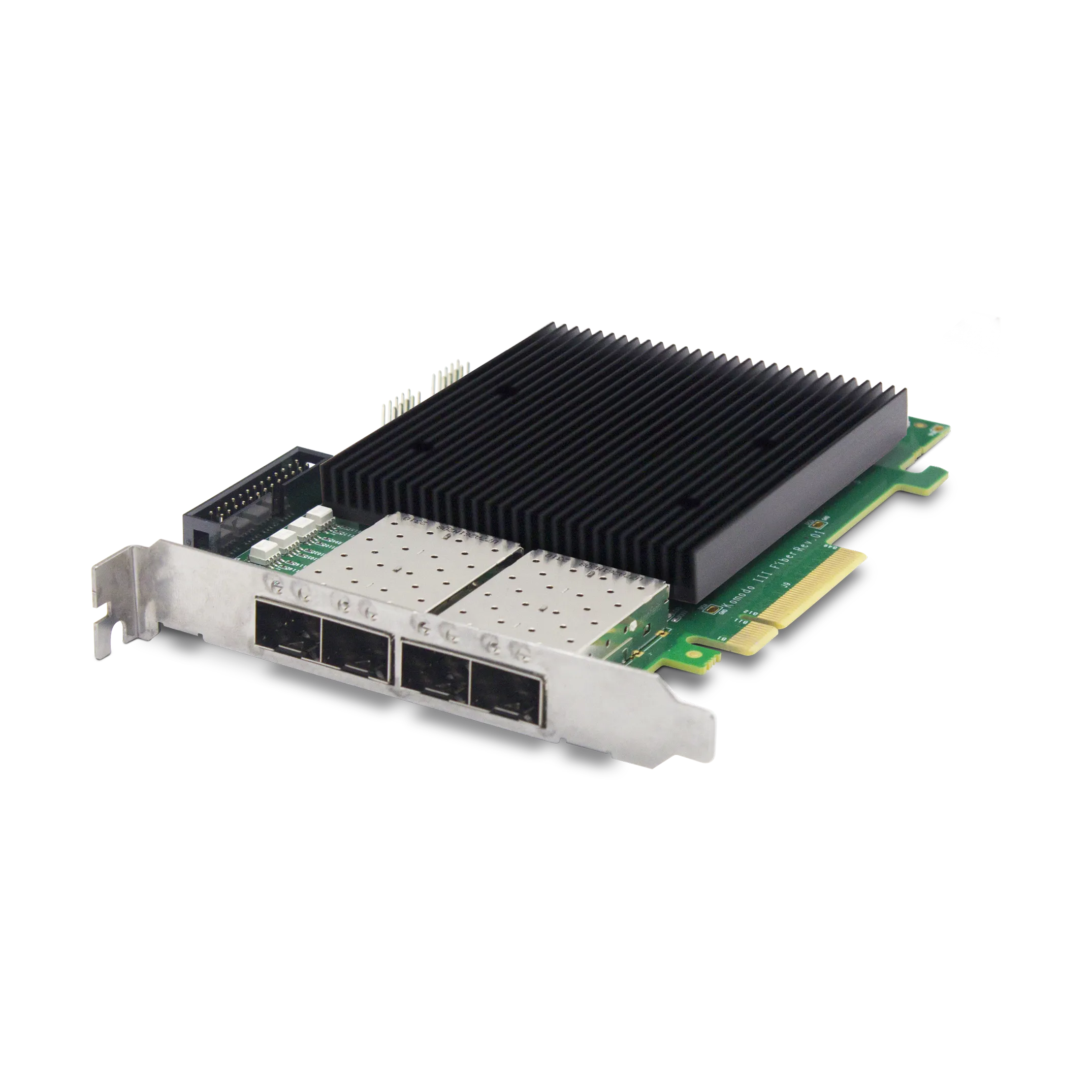
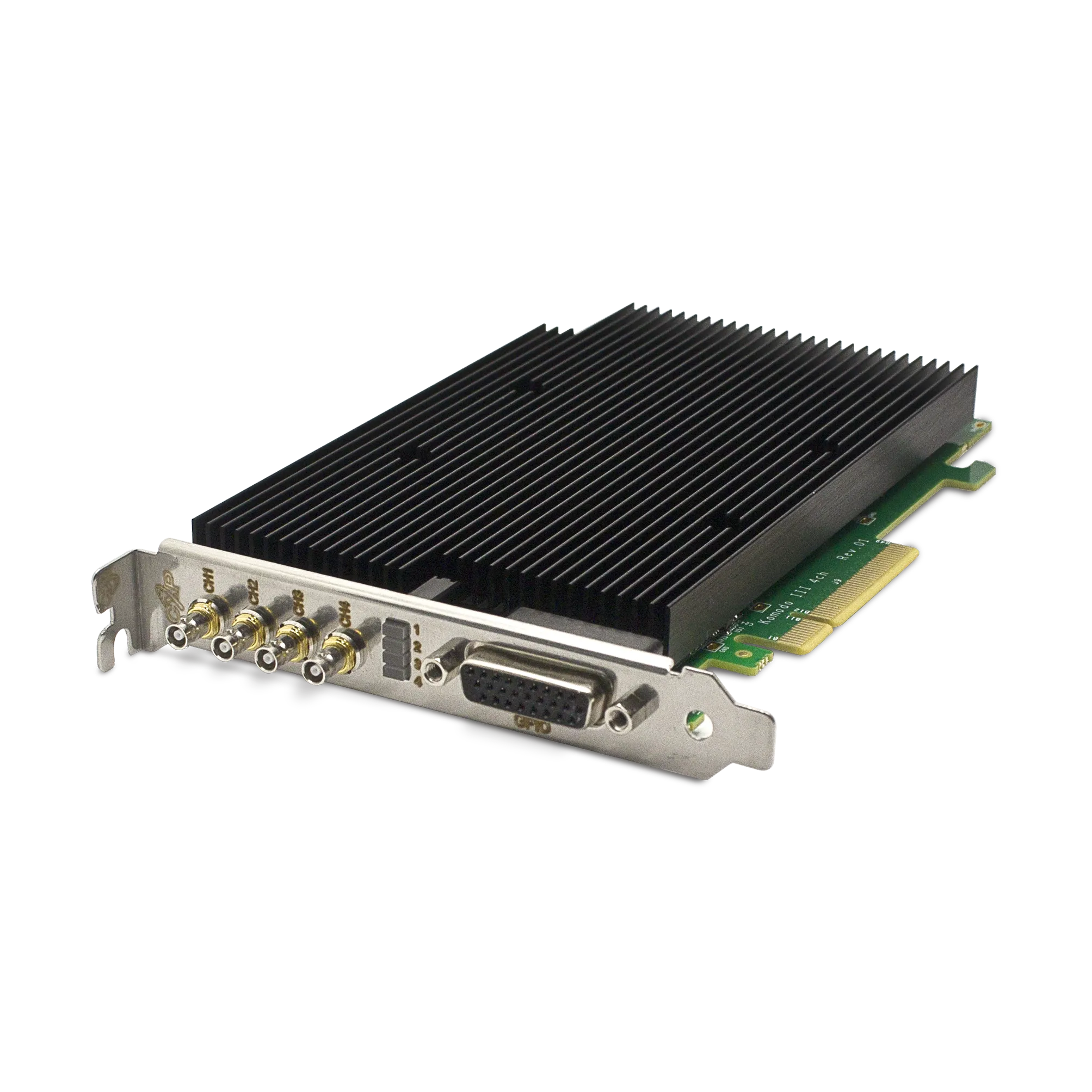
The Komodo III Quad CoaXPress 12G supports DMA acquisition to host memory. Review a GPU acquisition design with KAYA Instruments using the GPU model, motherboard topology, software versions, pixel format, stream rate and latency requirement. For software discovery and producer setup, see the GenTL integration checklist.