GenTL frame grabber integration depends on three components working together: the hardware driver, the transport-layer producer and the application that consumes it. A camera appearing in the vendor viewer proves part of the path works; it does not prove that another application has loaded the correct producer or interpreted the returned buffers correctly.

Understand what each standard provides
GenICam is a family of standards. GenApi describes access to device features through XML; SFNC standardizes feature names, and PFNC names pixel formats. GenTL provides a transport-layer interface for discovery, register access, streaming and events. These roles are described in EMVA’s GenICam introduction. Standard interfaces simplify integration while leaving device-specific capabilities and supported combinations to verify.
Start with the vendor acquisition path
- Install the supported driver and SDK for the operating system and board. Record their versions.
- Confirm the grabber and attached device in the vendor viewer. Acquire a small, simple image with free-running or explicitly configured triggering.
- Run the vendor’s sample application before adding a third-party image-processing package.
- Keep the same resolution, pixel format and trigger configuration while moving between applications.
KAYA provides a GenTL acquisition example with Windows and Linux build instructions. Use the example shipped with the installed release so that headers, libraries and binary architecture correspond. The Software & SDK page is the starting point for KAYA acquisition software.
Check the CTI producer and consumer architecture
A GenTL consumer loads a producer library, commonly distributed as a CTI file. Point the application to the installed producer using the consumer’s documented discovery mechanism. Check operating-system architecture, application bitness and library dependencies. A 64-bit application requires a compatible producer; copying a CTI file alone may omit dependencies or select an obsolete installation.
| Where the process fails | What to inspect next |
|---|---|
| Producer cannot load | CTI path, process architecture, dependencies and installation permissions. |
| Producer loads but no interface appears | Driver installation, device enumeration and board compatibility. |
| Interface appears but device is missing | Link connection, device power and vendor-viewer discovery. |
| Device opens but acquisition waits | Trigger mode, queued buffers and acquisition start sequence. |
| Buffers arrive but images look wrong | PFNC format, stride, packing, dimensions and payload metadata. |
Treat buffer ownership as an explicit contract
Allocate and announce buffers using the producer’s requirements, queue them before streaming and process only completed buffers. Do not requeue a buffer while an asynchronous CPU or GPU operation still reads it. On shutdown, stop acquisition and release resources in the documented order. A short demonstration may appear stable even when a buffer-lifetime error emerges only under sustained load.
For an illustrative 2,048 × 1,024 Mono16 image, the pixel payload is 4,194,304 bytes, or 4 MiB. Actual buffer requirements can include padding or additional payload. Query the required payload size after configuring the stream; do not hard-code width × height × two bytes as a universal allocation rule.
Create a portable first-frame acceptance test
Log the loaded producer version, selected interface and device, configured pixel format, returned payload size and completed-buffer status. Capture a recognizable test image and verify its geometry. Then exercise stop/start, a device reconnection procedure supported by the SDK, and sustained acquisition. Keep error messages from each layer so a load problem is not reported as a transport fault.
If acquisition succeeds but the application loses frames, continue with the dropped-frame diagnosis. If a GPU consumes the buffers, review DMA and pinned-memory ownership before adding asynchronous processing.
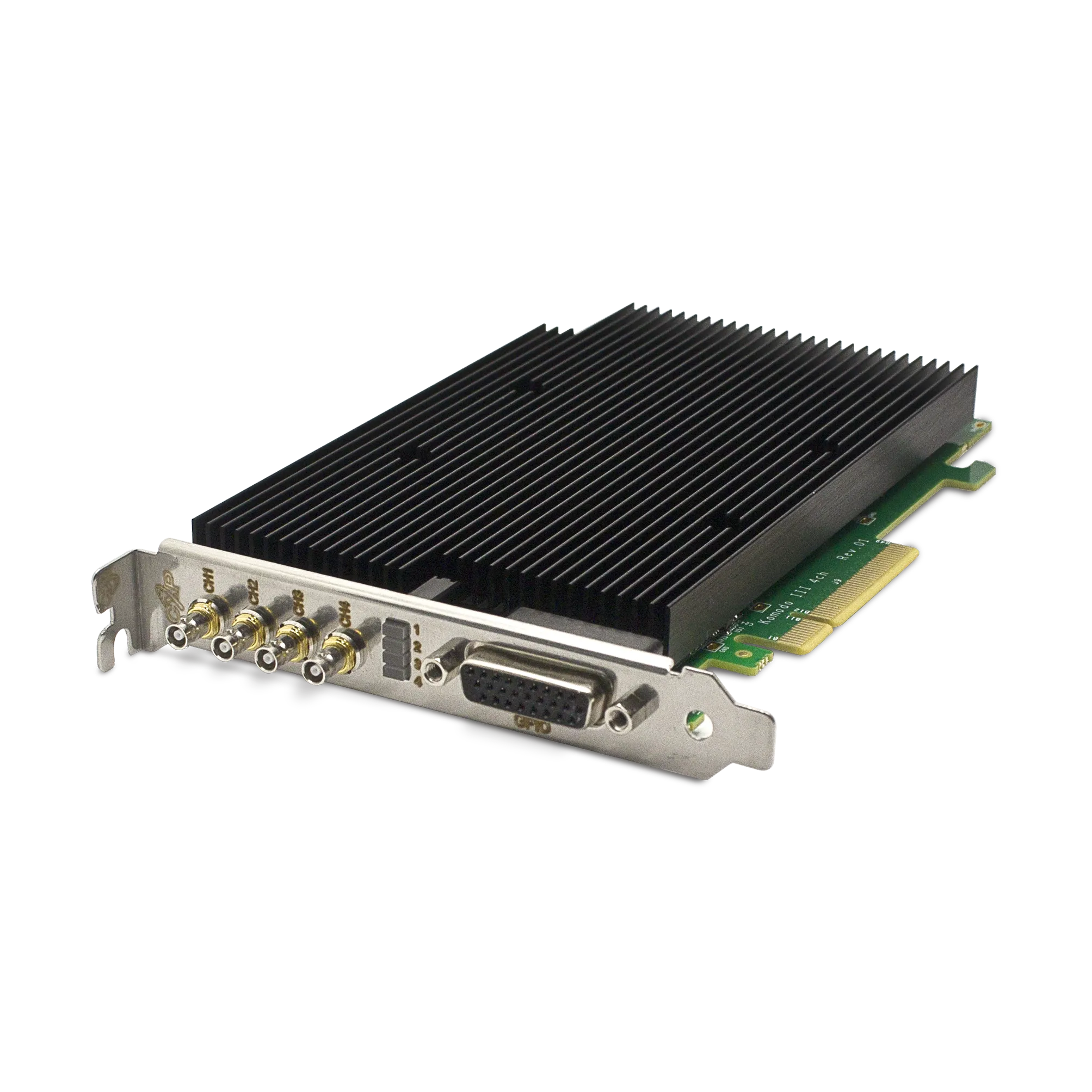
Contact KAYA Instruments with the operating system, application version, CTI producer and board model when confirming a GenTL integration. The Komodo III Quad CoaXPress 12G product page lists its acquisition and software interfaces.