An M.2 frame grabber can bring CoaXPress acquisition into a compact host, but mechanical fit is only the first check. The carrier must provide the required PCIe connection, the image stream must fit the data path, and the enclosure must remove heat under sustained operation. Treat power delivery and cable mounting as part of the design from the start.

Check the specific board, not the interface family
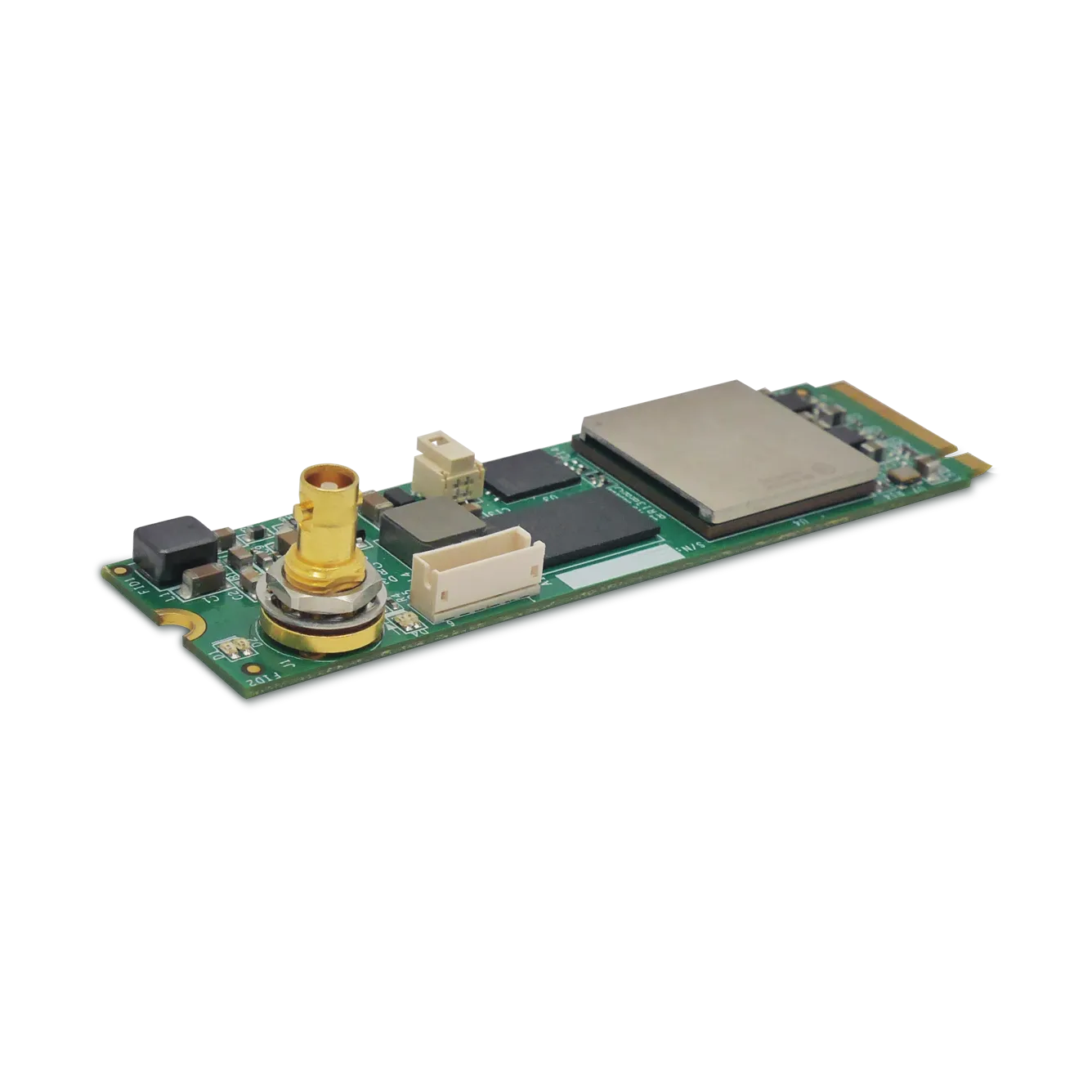
The Predator II Single CoaXPress M.2 is listed as an M2280 module measuring 80 × 22 mm, with PCIe 2.0 ×2 and one CoaXPress link up to 6.25 Gb/s. Its detailed product specification lists 850 MB/s sustained host delivery, dependent on the host. CoaXPress version compatibility does not imply that this model receives CXP-12 at 12.5 Gb/s.
Confirm the exact ordering code and current hardware revision before freezing a carrier design. Check slot keying, available lanes, mounting clearance and connector access against the module and carrier documentation. An M.2 socket intended for another electrical interface is not automatically suitable because a board fits its outline.
Budget the image stream in both representations
An illustrative 2,048 × 2,048 image at 100 fps needs 419.43 MB/s at one byte per pixel, or 838.86 MB/s in a 16-bit container. The latter is already close to the listed host sustained rate before other allowances. Its transport requirements may independently exceed the available camera link, depending on the transmitted format and overhead. Passing one budget does not establish a feasible system.
Specify the ROI, pixel packing and actual delivery format. If the image is unpacked on the board, the host rate can be higher than the packed input rate. Work through the PCIe bandwidth calculation with the final configuration, then validate it on the target embedded computer.
Separate module power from camera power
The product specification lists 5 W for the module excluding camera and I/O output power, conductive cooling, and a separate 12 V auxiliary input for Power over CoaXPress. These are distinct design requirements. The carrier power budget must not treat a quoted module consumption figure as the total system requirement.
Create a power worksheet covering the module, camera delivery, conversion losses, I/O loads and startup behavior. Use the specified auxiliary connector and wiring arrangement. For the acquisition-side checks, see the PoCXP power-budget guide.
Design the thermal path before enclosure release
- Identify the permitted contact surface and required thermal interface from the board documentation.
- Document the path from the module into the carrier or enclosure and from the enclosure to the environment.
- Measure temperatures at sustained acquisition and maximum expected ambient conditions.
- Repeat with the real cable arrangement, nearby heat sources and final enclosure orientation.
- Verify mechanical retention and cable strain relief without loading the module connector.
Conductive cooling requires a designed path; it does not mean the module can operate indefinitely without heat removal. Temperature-range claims also do not establish qualification for every enclosure, vibration profile or installation.
What should an embedded acquisition acceptance test include?
Check enumeration after cold start, negotiated PCIe generation and lanes, sustained frame delivery, buffer behavior, temperature stabilization and power cycling. Run processing and any storage workload concurrently. Save the host model, BIOS configuration, SDK version and workload so another unit can reproduce the result.
Ask KAYA Instruments to review the M.2 integration with the carrier schematic constraints, enclosure thermal concept and calculated image rate. A small module can simplify packaging when the surrounding electrical and thermal design supports it.