Power over CoaXPress, or PoCXP, lets supported acquisition hardware deliver power through the coaxial data connection. A reliable power budget must include the frame grabber’s own demand, the attached devices, conversion losses and startup behavior. A board’s quoted operating power is not necessarily the total load presented to the host supply.

Identify every power path
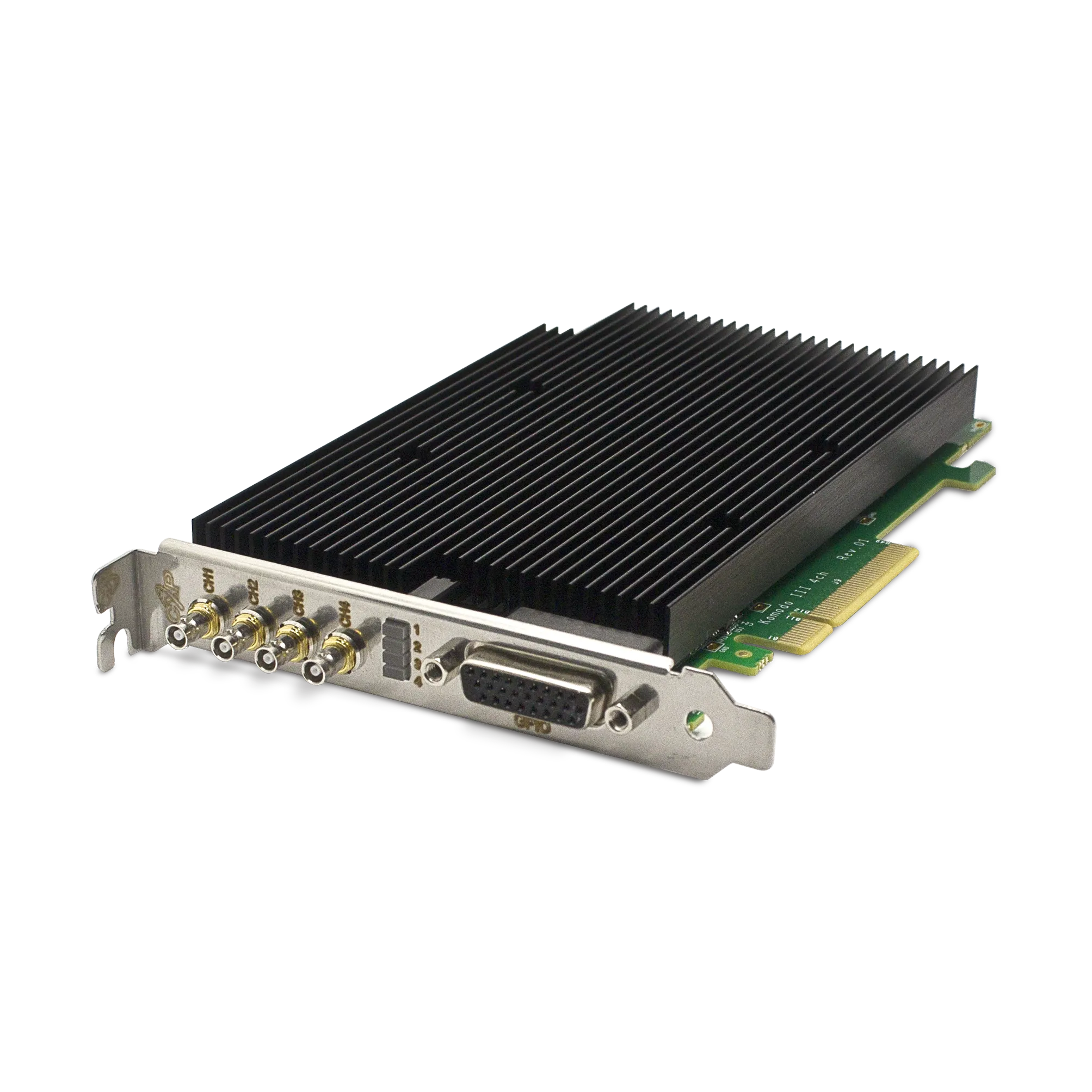
Record which loads are supplied through the PCIe slot and which use the board’s auxiliary connector. The Komodo III Quad CoaXPress 12G specification identifies a 12 V auxiliary input for PoCXP and lists board consumption separately from camera and I/O output. Follow the exact board documentation for connector type, polarity, wiring and supply requirements.
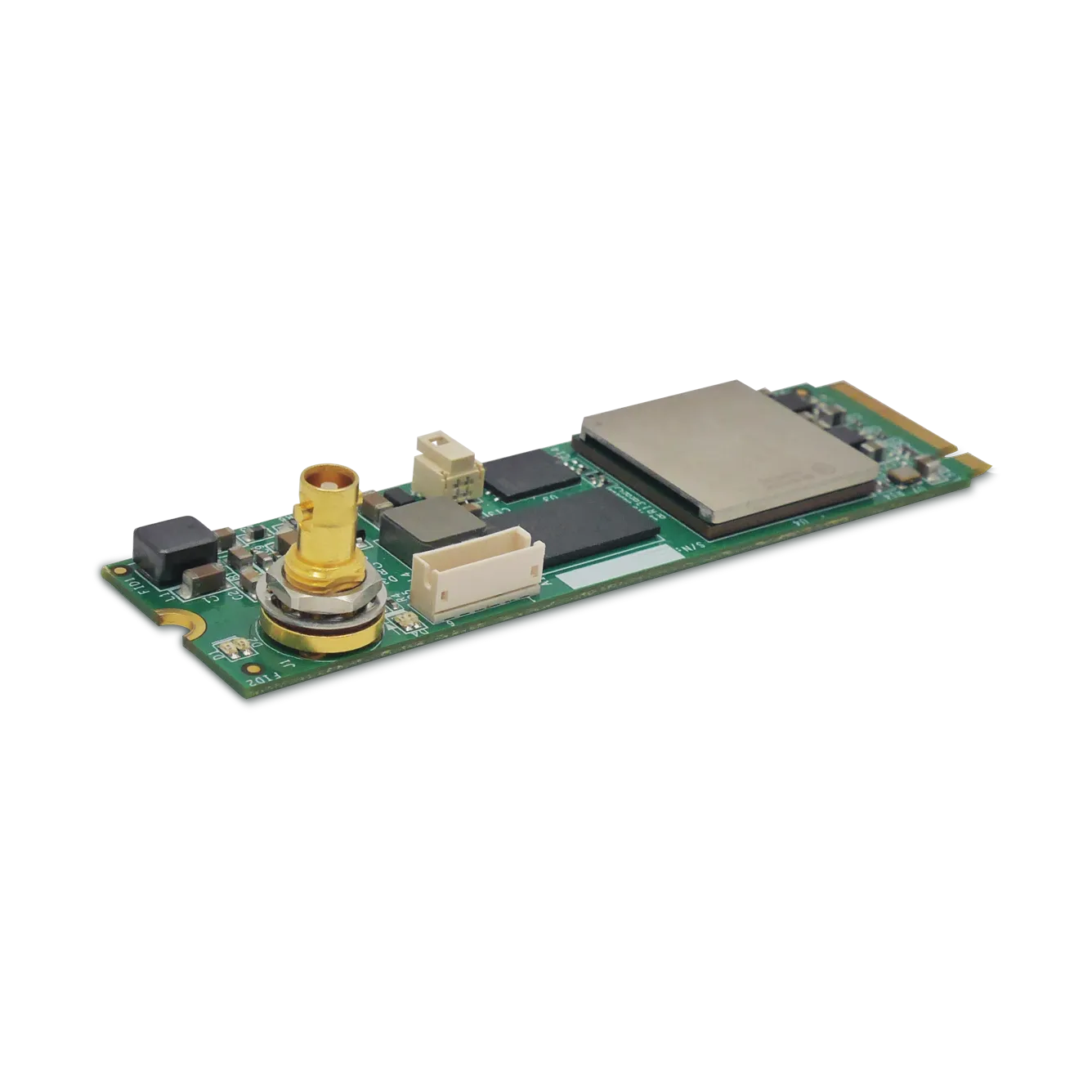
Do not assume that another KAYA form factor uses the same connector. For example, the M.2 integration guide covers a compact module with a different auxiliary input arrangement. The electrical implementation must follow the selected ordering code and revision.
Build a worksheet before choosing the supply
| Budget item | Evidence to collect |
|---|---|
| Frame-grabber electronics | Board power specification and its stated exclusions. |
| Each attached device | Normal and maximum demand, startup behavior and permitted power inputs. |
| Each PoCXP link | Supported output limit and device power allocation. |
| Conversion and cable losses | Documented efficiency or measured demand, cable specification and length. |
| Other loads | I/O output, peripherals and shared supply demands. |
| Supply capability | Continuous rating, transient response, connector and wiring limits. |
As a simplified planning example, four devices each requiring 10 W represent 40 W of delivered device power. If a hypothetical conversion stage were 90% efficient, supplying that 40 W would require about 44.4 W at its input, before other loads. This is arithmetic for a worksheet, not a KAYA efficiency specification or an approved supply configuration. Obtain the actual limits and losses for the selected hardware.
Check per-link and total limits separately
A total budget that appears adequate can still exceed one connector’s permitted output. Conversely, individually acceptable links may exceed a shared supply or board limit when active together. Devices requiring multiple power connections must be wired according to their documented arrangement; do not assume that unused data connectors automatically provide extra usable power.
KAYA’s PoCXP FAQ describes auxiliary-power checks, supported automatic power management and current monitoring. It also warns against powering a device simultaneously through PoCXP and an external/GPIO supply. Follow that restriction and the device documentation when planning or changing a connection.
Commission at idle and under load
- With power handled according to the hardware instructions, inspect the specified supply and cable connections.
- Start one supported device and verify its power and link status before adding the remaining load.
- Check available voltage/current readings and fault indications.
- Test startup and acquisition with all intended devices active.
- Repeat at the intended cable length and operating conditions; investigate resets or protection events rather than bypassing them.
Keep power troubleshooting distinct from bandwidth troubleshooting. A device that resets when the full system starts can interrupt image delivery even if its average data rate is modest. Capture power-state changes alongside acquisition statistics to establish the sequence of events.
Does automatic PoCXP remove the need for a power budget?
No. Detection and protection functions do not enlarge the available supply or connector ratings. Their availability and behavior also depend on the compatible hardware, firmware and software combination. Verify the supported configuration before relying on automatic behavior in an unattended machine.
If the device remains powered but images are missing, continue with the CoaXPress acquisition troubleshooting guide. Ask KAYA Instruments to review the power plan with the board model, device demands, cable lengths and host supply details before finalizing the system.