A CoaXPress camera simulator gives a frame-grabber test a controlled input. Known image patterns and repeatable transmission settings help separate acquisition faults from scene changes, lighting and sensor behavior. Use it to establish what the receiver and host can deliver under specified conditions, then validate the completed system with its real imaging device.

Define the acceptance criteria first
Write down the required image format, dimensions, link arrangement, acquisition rate and test duration. Define pass criteria for missing or incomplete images, data integrity and latency. Keep measured results separate from product maximums: a successful test establishes performance for the tested configuration, not every possible host or workload.
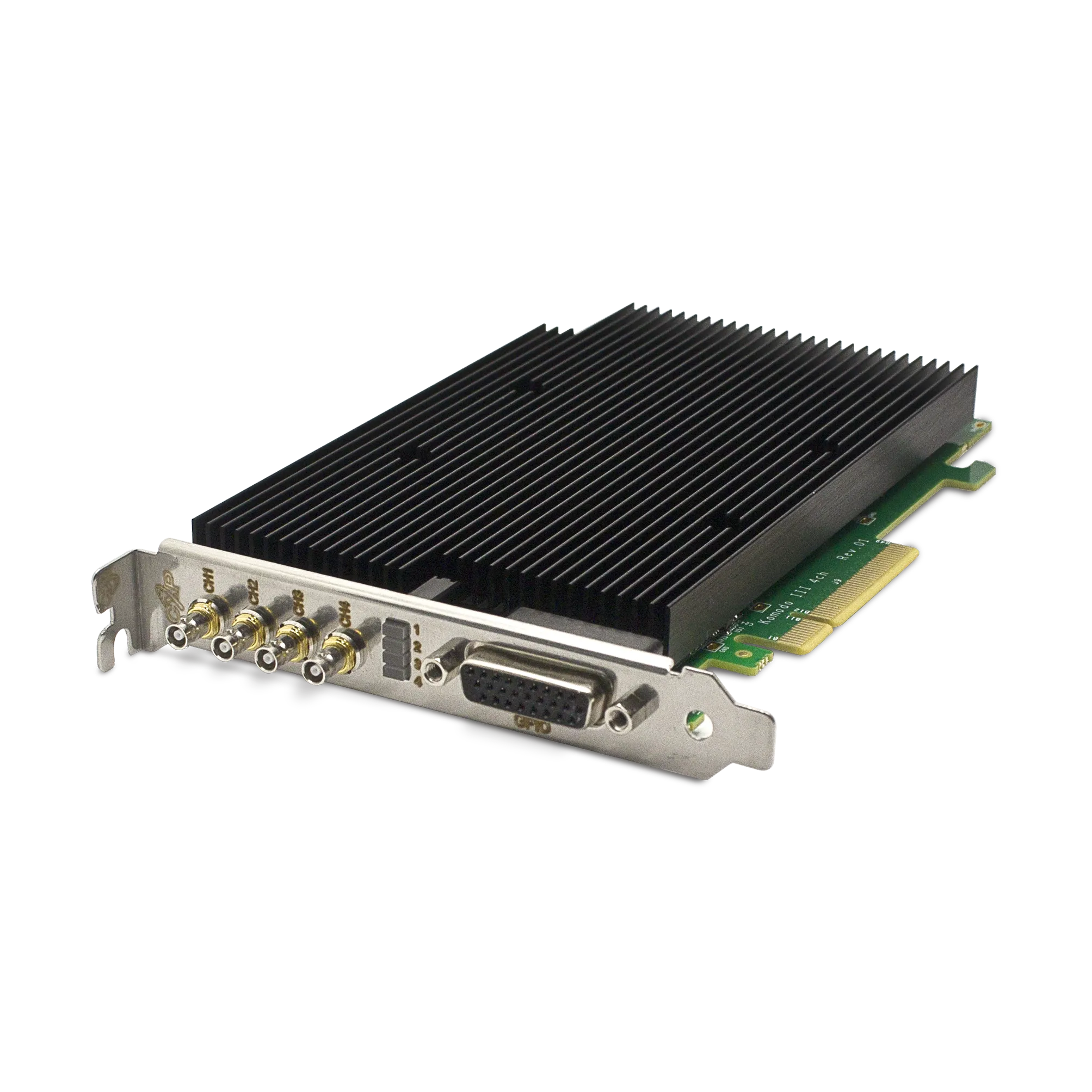
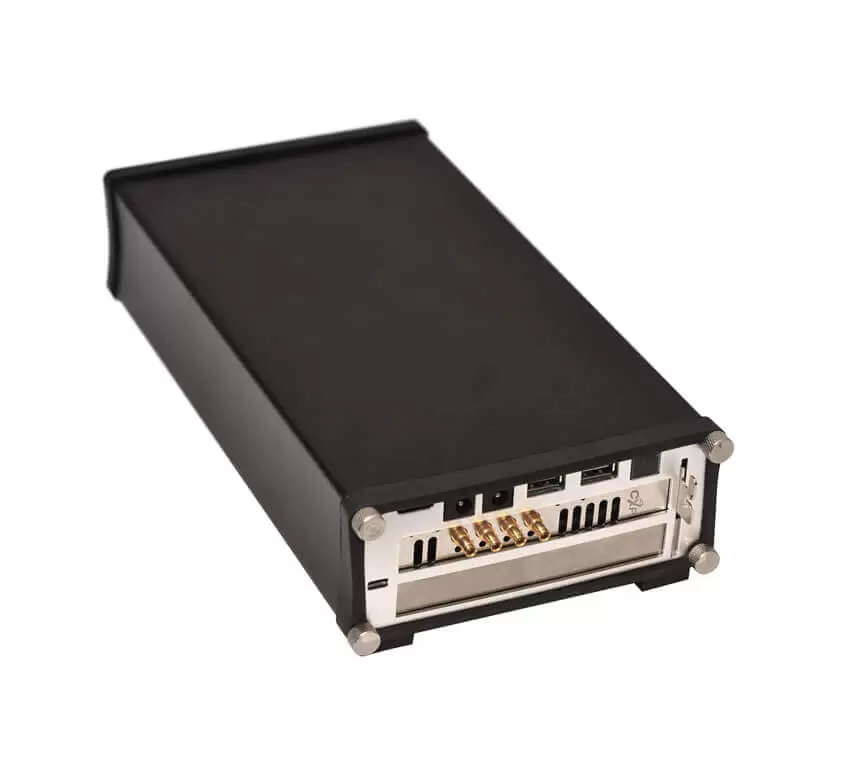
The Chameleon II Stand Alone CoaXPress Camera Simulator supports generated or preprocessed image patterns and external control functions. Its product page describes the available interfaces and operating configuration. Confirm how the selected simulator maps links and streams; four physical links must not automatically be interpreted as four independent simulated cameras.
Use patterns that reveal specific failures
| Pattern or test input | What it can help reveal |
|---|---|
| Spatial ramp or grid | Incorrect dimensions, stride, pixel packing or line order. |
| Known changing image sequence | Repeated, missing or reordered images when sequence identity is available. |
| High and low sample values | Bit-depth interpretation and clipping in the receiving application. |
| Repeated identical payload | Byte-level stability across the acquisition and processing path. |
Choose patterns supported by the simulator and verify their expected output independently. A visually plausible display is a weak integrity test: software conversion can hide incorrect sample interpretation. Where practical, compare the received payload or selected regions against the expected data after accounting for documented transformations.
Increase the load in controlled steps
Begin with one supported link configuration at a low rate, minimal processing and a known pixel format. Verify data integrity and buffer status. Increase the rate in measured steps while recording input settings, completed images, error counters, queue depth and host utilization. Then add the production image-processing and recording workload.
For an illustrative 1 MiB payload at 500 images per second, image data alone is 500 MiB/s, approximately 524.3 MB/s. That calculation excludes transport overhead and any host format expansion. Use the bandwidth worksheet to predict the expected rate before comparing it with measurements.
Distinguish pattern upload from output streaming
A simulator may load data from a host into onboard memory and transmit it through a separate output path. Host upload bandwidth, memory capacity and sustained camera-link output are therefore separate constraints. Check whether the chosen test pattern repeats from memory or requires continuous host feeding, and size the test accordingly.
This distinction matters for long sequences and burst tests. A short pattern repeating successfully at the target output rate does not demonstrate that an arbitrarily long sequence can be uploaded at the same rate.
Include timing and recovery tests
- Verify free-running and supported external-trigger modes separately.
- Check the expected response when a trigger arrives faster than the configured acquisition can accept it.
- Exercise normal stop/start and documented recovery procedures without leaving stale buffers in the application.
- Repeat with the final host slot, cable path and concurrent processing load.
- Save the simulator configuration, expected data and software versions with each result.
If a test fails, the dropped-frame troubleshooting guide helps identify whether the evidence points to transport, triggering or the consumer. A simulator isolates parts of the system; it does not establish sensor image quality, exposure behavior or optical performance.
Discuss a frame-grabber validation setup with KAYA Instruments using the required link rates, pixel formats, trigger scenarios and test duration. That brief helps select suitable simulation and acquisition hardware.